
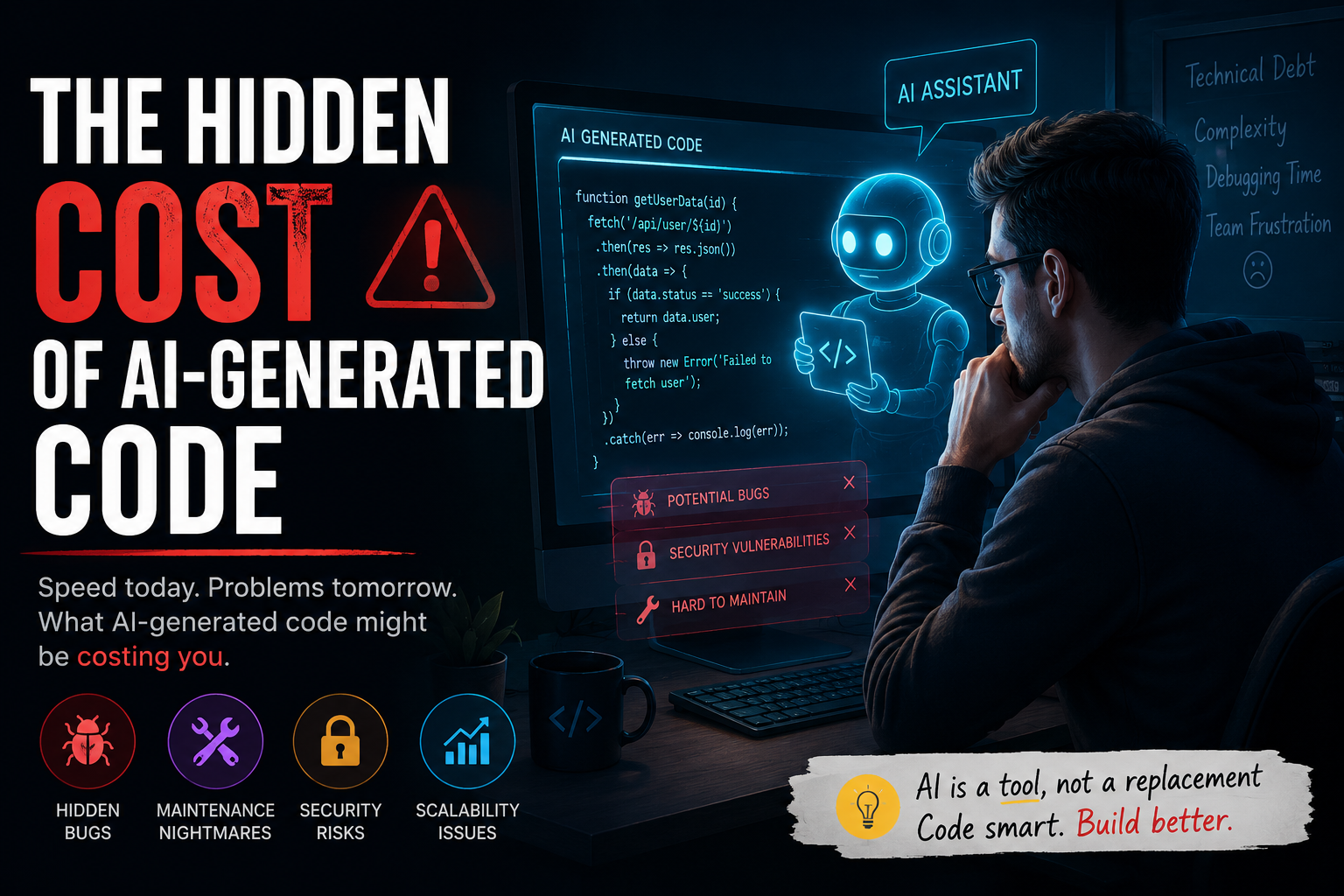
The Hidden Cost of AI-Generated Code
A few years ago, writing software meant spending hours reading documentation, searching Stack Overflow, and debugging seemingly impossible errors.
Today?
A developer can type:
"Create a REST API with authentication."
And within seconds, AI generates hundreds of lines of code.
Tools like ChatGPT, GitHub Copilot, Cursor, Claude, and Codeium have fundamentally changed how developers build software.
The productivity gains are undeniable.
But there's a growing problem that many teams are only beginning to discover:
The cost of AI-generated code isn't measured by how quickly it's written. It's measured by how difficult it becomes to maintain.
The reality is that AI can accelerate development dramatically while simultaneously introducing technical debt, security vulnerabilities, architectural inconsistencies, and knowledge gaps.
Let's explore the hidden costs that every developer and engineering team should understand.
Why AI-Generated Code Feels Like Magic
The appeal is obvious.
AI can instantly generate:
CRUD applications
React components
API endpoints
Database queries
Unit tests
Documentation
Deployment scripts
For example:
import express from "express";

const app = express();

app.get("/users", async (req, res) => {
  const users = await User.find();
  res.json(users);
});

app.listen(3000);
What once took several minutes now takes seconds.
This creates an immediate productivity boost.
But speed often hides complexity.
The Productivity Illusion
Many teams measure productivity incorrectly.
They focus on:
✅ Lines of code produced
✅ Features shipped
✅ Development speed
Instead of:
❌ Maintainability
❌ Reliability
❌ Long-term ownership
❌ Technical debt
A developer can generate 1,000 lines of code in an afternoon.
That doesn't mean they understand those 1,000 lines.
And that's where problems begin.
The Knowledge Gap Problem
One of the biggest risks of AI-assisted development is creating developers who can ship code they don't fully understand.
Consider this example:
const memoizedValue = useMemo(() => {
  return expensiveCalculation(data);
}, [data]);
AI may generate this automatically.
But does the developer know:
Why
useMemois used?When it improves performance?
When it hurts performance?
How dependency arrays work?
Without understanding, developers become operators instead of engineers.
Technical Debt Arrives Faster Than Ever
AI can generate code quickly.
It can also generate bad architecture quickly.
Imagine asking AI to:
"Build user authentication."
You might receive:
app.post("/login", async (req, res) => {
  const user = await User.findOne({
    email: req.body.email,
  });

  if (user.password === req.body.password) {
    res.json({ success: true });
  }
});
Looks functional.
But it contains major issues:
Plain-text password comparison
No hashing
No rate limiting
No account lockout
No JWT handling
No security controls
The danger isn't that AI makes mistakes.
The danger is that developers may not notice them.
Security Risks Nobody Talks About
AI models generate code based on patterns they've seen.
Unfortunately, not all patterns are good.
Common issues include:
SQL Injection
$query = "SELECT * FROM users WHERE id = " . $_GET['id'];Weak Authentication
if (password === storedPassword) {
  // Login successful
}
Missing Validation
await User.create(req.body);These examples may work.
They may even pass testing.
But they're security risks waiting to happen.
AI Doesn't Understand Your Architecture
This is a critical distinction.
AI predicts code.
It does not truly understand your application.
Suppose your application follows:
Service Layer pattern
Repository pattern
Event-driven architecture
AI might generate code that bypasses all of those conventions.
Example:
public function store(Request $request)
{
    User::create($request->all());
}
Meanwhile your architecture requires:
public function store(StoreUserRequest $request)
{
    $this->userService->create(
        $request->validated()
    );
}
The generated code works.
But it creates architectural inconsistency.
And inconsistency becomes technical debt.
Debugging Becomes More Difficult
Here's something many developers don't realize:
AI-generated bugs are often harder to debug.
Why?
Because developers didn't write the code.
They don't understand the original design decisions.
When production breaks at 2 AM:
AI isn't on call.
AI isn't investigating logs.
AI isn't analyzing business requirements.
Developers are.
And understanding always beats generation during debugging.
The Senior Developer Perspective
Most senior developers don't reject AI.
They use it extensively.
But they treat AI differently.
Instead of asking:
"Build everything."
They ask:
"Help me explore options."
Or:
"Review this implementation."
Or:
"Suggest improvements."
The difference is subtle but important.
AI becomes an assistant.
Not the decision maker.
The Best Use Cases for AI
AI excels at:
Boilerplate Generation
php artisan make:controller UserControllerAI can generate the surrounding code instantly.
Documentation
Generating:
README files
API docs
Comments
Technical explanations
Test Creation
describe("User Service", () => {
  it("creates a new user", () => {
    // test code
  });
});
Learning New Technologies
AI can explain:
React Hooks
Laravel Queues
TypeScript Generics
Docker
much faster than traditional searching.
How Teams Should Use AI Responsibly
The best teams establish clear rules.
1. Review Everything
Never merge AI-generated code blindly.
2. Understand Before Shipping
If you can't explain the code, don't deploy it.
3. Prioritize Security Reviews
AI-generated authentication and payment code should receive extra scrutiny.
4. Maintain Architectural Standards
Generated code should follow existing patterns.
5. Use AI to Learn
Ask:
Why does this work?
What are the alternatives?
What are the trade-offs?
These questions create growth.
The Future Isn't AI vs Developers
The discussion is often framed incorrectly.
It's not:
AI vs Developers
It's:
Developers who use AI effectively vs developers who don't.
The strongest engineers will combine:
Strong fundamentals
System design knowledge
Debugging skills
AI-assisted productivity
That's a powerful combination.
Key Takeaways
✅ AI dramatically increases coding speed
✅ AI can introduce technical debt rapidly
✅ Security vulnerabilities can slip into generated code
✅ Understanding code remains more important than generating code
✅ Senior developers use AI as a collaborator, not a replacement
✅ Long-term maintainability matters more than short-term speed
Conclusion
AI-generated code is one of the most powerful productivity advancements software development has ever seen.
But code generation is only one part of engineering.
Real software development still requires:
Understanding
Architecture
Security awareness
Debugging skills
Critical thinking
The hidden cost of AI-generated code isn't the code itself.
It's the temptation to stop thinking.
And the developers who continue thinking critically while leveraging AI will be the ones who thrive in the years ahead.
How much AI-generated code makes it into your production applications today?
Do you review every generated line, or do you trust the output?
Share your experience in the comments—I'd love to hear how your team is balancing AI productivity with code quality.


Comments